

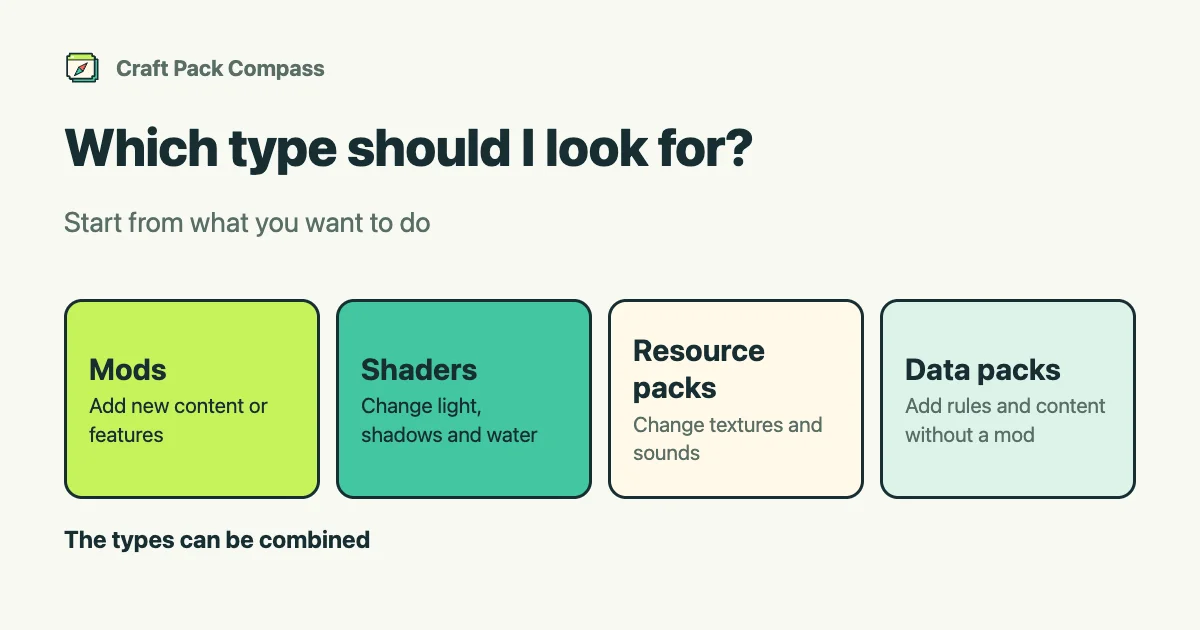
What you want to do decides the type to look for. Use this table as a guide.
| What you want to do | Type to look for |
|---|---|
| Add new blocks, items, creatures or features | Mods |
| Make the game run lighter (raise FPS) | Mods |
| Make light, shadows and water look beautiful | Shaders |
| Change the textures or sounds of blocks and items | Resource packs |
| Add rules or content without a mod | Data packs |
What each type is
- Mods: add new content or features. They need a loader and a supported version. See what is a mod and what is a loader.
- Shaders: change how light, shadows and water look. Your computer’s performance affects how they look and how lightly they run. You also need a mod that loads shader packs (a “kage MOD”). See what is a kage MOD.
- Resource packs: change textures, sounds and more for blocks and items. They do not change how the game works.
- Data packs: add rules and content without a mod.
Using them together
The types can be combined. For example, add content with mods, tidy up the look with a resource pack and change the scenery with a shader.
Note on combinations
Some combinations can run heavily or not work well.
When you do not know a name
On the home page, pick what you want to do under “Browse by goal” (for example, make the scenery beautiful, or boost FPS) to see matches, most popular first. See how to search.
If you play Bedrock Edition, see mods and add-ons: what is the difference.