
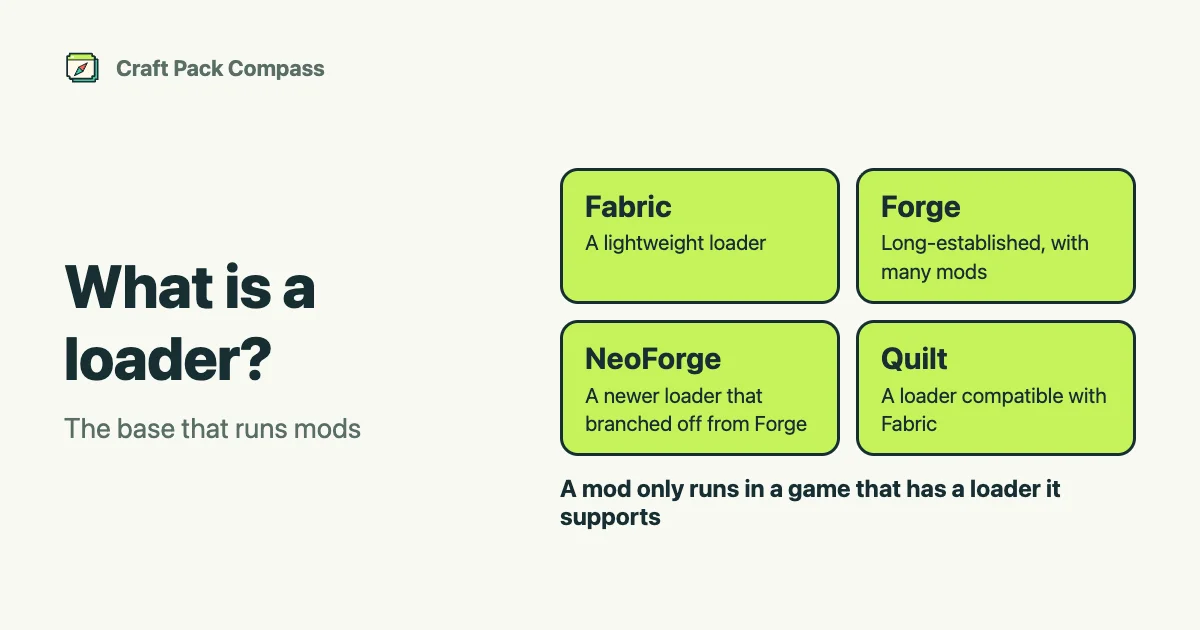
A loader is the base that runs mods. On Minecraft Java Edition, each mod is made for particular loaders, and it only runs in a game that has a loader it supports.
The main loaders
- Fabric: a lightweight loader that usually supports new Minecraft versions quickly.
- Forge: a long-established loader with a large number of mods.
- NeoForge: a newer loader that branched off from Forge.
- Quilt: a loader that is compatible with Fabric.
Shader packs are not run by the mod loader itself, but by a mod that loads them (a “kage MOD”, such as Iris, which itself runs on a loader like Fabric) or another mechanism (OptiFine, Canvas and others). See what is a kage MOD. Resource packs and data packs do not use a loader; Minecraft’s own features load them.
How to choose
- Decide the mods you want first. Each mod supports different loaders. Match the loader to the mods you want.
- If you use several mods, pick a loader that all of them support. Mods made for different loaders generally cannot be mixed in the same game.
- Check the Minecraft version, too. Loaders also support specific versions. Pick a combination where the mod, the loader and the version all match.
If you are not sure, search on Craft Pack Compass without picking a loader, and look at the supported loaders on the project page of a mod you like. To compare several mods, the compare page and pre-install check show the loaders they have in common.
Where to check
- The “Loader” filter in search shows only projects that support the loader you use.
- The project page shows the supported versions and loaders.
For the basics, see what is a mod.